Buyer Guide
How to Prepare Artwork for Custom Printed Hijabs
Direct answer
A custom printed hijab needs more than a high-resolution image. Before production, the artwork should define the file format, final print dimensions, pattern repeat, color references, placement, scale, bleed or safe area where applicable, edge-finishing considerations and sample-approval requirements. A visually attractive design can still fail in textile production if the repeat does not join, the motifs are scaled incorrectly, important elements fall into the cut or hem area, or screen colors are treated as guaranteed fabric colors. The safest approach is to combine an editable source file, a clear artwork specification and a physical printed sample approved before bulk production.
What Files Do Manufacturers Need for Custom Printed Hijabs?
The best file format is the one required by the printer’s actual production workflow. Buyers should ask for the preferred format, color setup and linked-file requirements before sending final artwork, because not every manufacturer or print process accepts the same files.
Common formats include AI, editable PDF or EPS for vectors, and PSD, TIFF or high-resolution PNG for raster designs. Vectors are often practical for logos, geometric motifs and repeats because they resize cleanly. Raster artwork, including photographs and painted textures, must contain enough real image information at final print size. These examples are not a fixed NoorSilk acceptance list.
What file format is best for custom hijab printing?
There is no universal best format. Use editable vectors for clean shapes where appropriate and layered raster files for pixel-based art, subject to the printer’s requirements. Include a viewable proof so the intended appearance is clear.
What resolution should hijab artwork have?
Evaluate resolution at final physical size and for the selected print workflow. A 300-PPI reference is common for detailed raster work viewed closely, but it is not mandatory for every textile process; the printer may require another value. Check real pixel dimensions and output size. Enlarging a small image or changing its resolution field does not recreate missing detail, as Adobe’s explanation of pixel dimensions, print size and resolution makes clear.
Set the Final Hijab Size Before Building the Artwork
The finished hijab size should be confirmed before the artwork is finalized because dimensions affect motif scale, placement, borders and the available edge area. The artwork layout also needs to distinguish the finished size from any cutting, bleed, hem or finishing allowance required by the selected workflow.
Record the finished dimensions, requested artwork or cut size, orientation, edge finish, bleed or safe area where applicable, cutting tolerance and placement reference for important elements.
If the product changes from one finished dimension to another—whether 90 cm, 100 cm or any other size—the design should not simply be stretched without review. A centered motif may move visually, a border may become too wide, a corner logo may enter the hem area and an all-over pattern may appear more or less dense.
Understand Repeat Patterns for All-Over Printed Hijabs
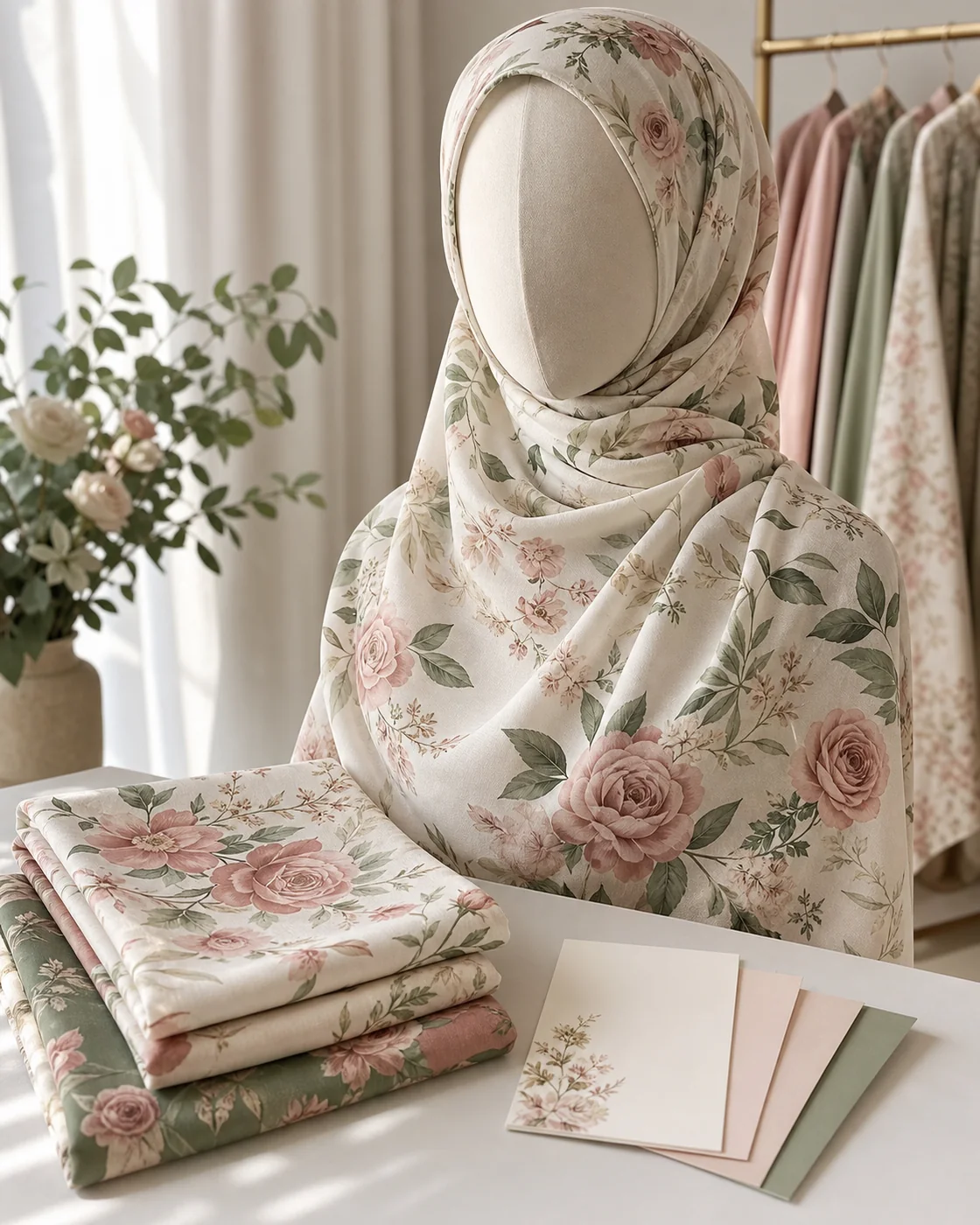
A repeat pattern is a tile designed to join with copies of itself across the printable area. For an all-over printed hijab, a seamless repeat should continue without unintended gaps, visible join lines or misaligned elements.
Confirm tile dimensions, repeat direction, scale and edge behavior. Common concepts include straight repeats, half-drop repeats with offset rows, and mirror or directional arrangements. The buyer must know which structure has been supplied and how it should appear on the finished product.
| Artwork type | What to confirm | Production risk if incorrect |
|---|---|---|
| All-over pattern | Seamless tile, repeat size, scale and direction | Visible joins, gaps, accidental lines or inconsistent pattern density |
| Border print | Border width, distance from the finished edge, corners and orientation | Uneven border, cropped detail or poor corner transitions |
| Centered motif | Center point, finished dimensions and visual orientation | Motif appears off-center after cutting, folding or wearing |
| Corner logo | Exact corner, size, orientation and edge clearance | Logo enters the hem, is trimmed or appears on the wrong side |
| Directional print | Top, bottom, left, right and expected wearing direction | Motifs print upside down or face inconsistent directions |
Ask for a repeat preview that shows several tiles together. Inspect both the joins and the overall rhythm rather than approving a single isolated tile.
Define Pattern Scale Before Sampling
Pattern scale determines the physical size, spacing and visual density of motifs on the finished hijab. A design that looks balanced on a laptop screen can appear unexpectedly large, small, sparse or crowded when printed across a full-size textile product.
Specify motif dimensions in physical units where possible. Review spacing, distance from the edge, repeat count and how folding or drape may hide or concentrate parts of the print.
Before sampling, request or prepare:
- a full-scale section that shows the motif at actual print size;
- a complete product mockup using the confirmed finished dimensions;
- a repeat preview showing multiple joined tiles;
- a physical printed sample for final scale and fabric review.
A mockup can reveal placement problems but cannot prove how the scale will feel on folded or worn fabric.
Prepare Colors for Textile Printing
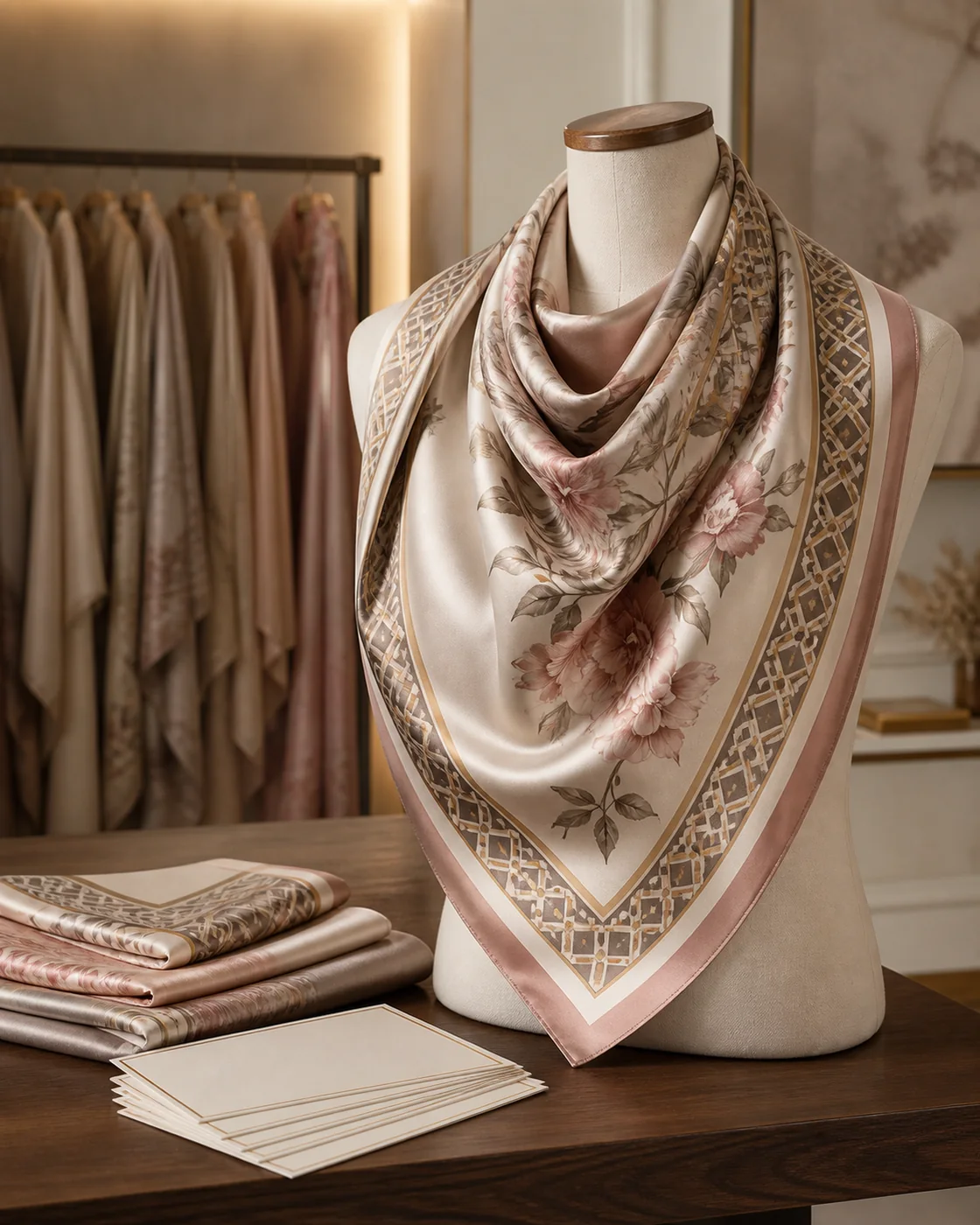
Screen colors are not the same as colors printed on fabric. The fabric base, fibre composition, printing method, ink or dye system, finishing, lighting and monitor calibration can all change the observed result.
RGB describes screen color with red, green and blue light; CMYK is a print-oriented model using cyan, magenta, yellow and black. Textile workflows may use other profiles or ink systems, so a CMYK conversion does not guarantee the final fabric color. Adobe explains that screens use light while print uses inks, dyes or pigments, limiting exact reproduction of some screen colors. See its commercial printing color explanation.
Pantone or another physical standard can serve as a reference, not a guarantee of perfect matching across every fabric and process. Where color matters, approve a physical print test, strike-off or finished sample under agreed lighting.
Do you need Pantone colors for a printed hijab?
Not always. A photograph may be managed differently from a logo or flat background. Ask how references should be submitted, identify critical colors and acceptable variation, and never approve color only from a phone screen.
Plan Borders, Logos and Edge Details Carefully
Borders, logos, signatures, corner motifs, text and decorative frames require defined positions relative to the finished edge. The layout must account for cutting tolerance and any area used by the hem, stitching or other edge finish.
For each element, record its physical size, distance from the finished edge, intended corner or side, orientation, relationship to any bleed and the required border treatment. Discuss acceptable positional tolerance with the manufacturer.
How close can a logo be to the edge?
There is no safe distance that applies to every custom printed hijab. It depends on the cutting method, edge finish, fabric behavior, finished dimensions and production tolerance. Keep critical text and logos away from the final edge, then confirm the actual safe area with the manufacturer before sampling. Do not invent a fixed clearance or assume that the digital trim line is exact.
Show placement on the complete product, not only in a cropped logo view.
Use High-Resolution Images for Photo-Based Prints
Photo-based prints, watercolor artwork, illustrations and textures need enough original image data at the intended print size. Low-resolution files can produce visible pixels, soft edges and lost detail, particularly when a small source is enlarged across a large textile area.
Check original pixel dimensions, effective resolution at final size, crop, orientation, requested color profile, linked assets and commercial-use rights.
Do not submit a screenshot when the original artwork exists. Do not assume that exporting a low-resolution JPG as TIFF or setting it to 300 PPI creates new detail. File extension, resolution metadata and actual pixel information are different things.
When several raster assets are combined, inspect each at its intended scale; one weak element can remain visibly poor inside a large document.
Check Artwork Ownership and Licensing
The buyer should confirm the right to reproduce every element of the design on commercial textile products. Owning a file or finding an image online does not by itself establish permission for manufacturing and sale.
Review the rights for:
- original artwork created by an employee or external designer;
- stock illustrations, fonts, textures and photographs;
- third-party trademarks and brand logos;
- celebrity or recognizable-person images;
- commissioned designs and the agreed production rights;
- modifications or combinations of licensed assets.
Keep licenses, purchase records or designer agreements with the project, and confirm that permission covers commercial physical products and any relevant modification or attribution. This is general risk guidance, not legal advice; obtain advice in the relevant jurisdiction when rights are uncertain.
Prepare an Artwork Specification Sheet
An artwork specification sheet connects the design file to the exact product, version and approval standard. It helps prevent an old file, wrong scale or incomplete placement note from becoming the production reference.
| Field | What to record |
|---|---|
| Product code | Unique product or SKU reference |
| Hijab dimensions | Finished length and width plus measurement method |
| Artwork filename | Exact final source-file name |
| File version | Controlled revision number or date |
| Artwork type | All-over repeat, border, centered, corner or directional |
| Repeat type | Straight, half-drop, mirror or other agreed structure |
| Pattern scale | Physical motif and tile dimensions |
| Color references | Critical colors, profiles or physical standards used for communication |
| Logo placement | Size, corner, orientation and distance from edge |
| Border placement | Width, edge relationship and corner treatment |
| Edge details | Hem, stitching, bleed and safe-area instructions |
| Print method | Only if already agreed with the supplier |
| Packaging/SKU reference | Product label and packing identification |
| Revision date | Date of the approved specification version |
Use matching version numbers on the specification, source file and proof. Replace ambiguous names such as final-new with a convention that identifies the product, artwork and revision.
This artwork sheet can become one section of the broader product specification described in How to Start a Hijab Brand.
Approve a Printed Sample Before Bulk Production
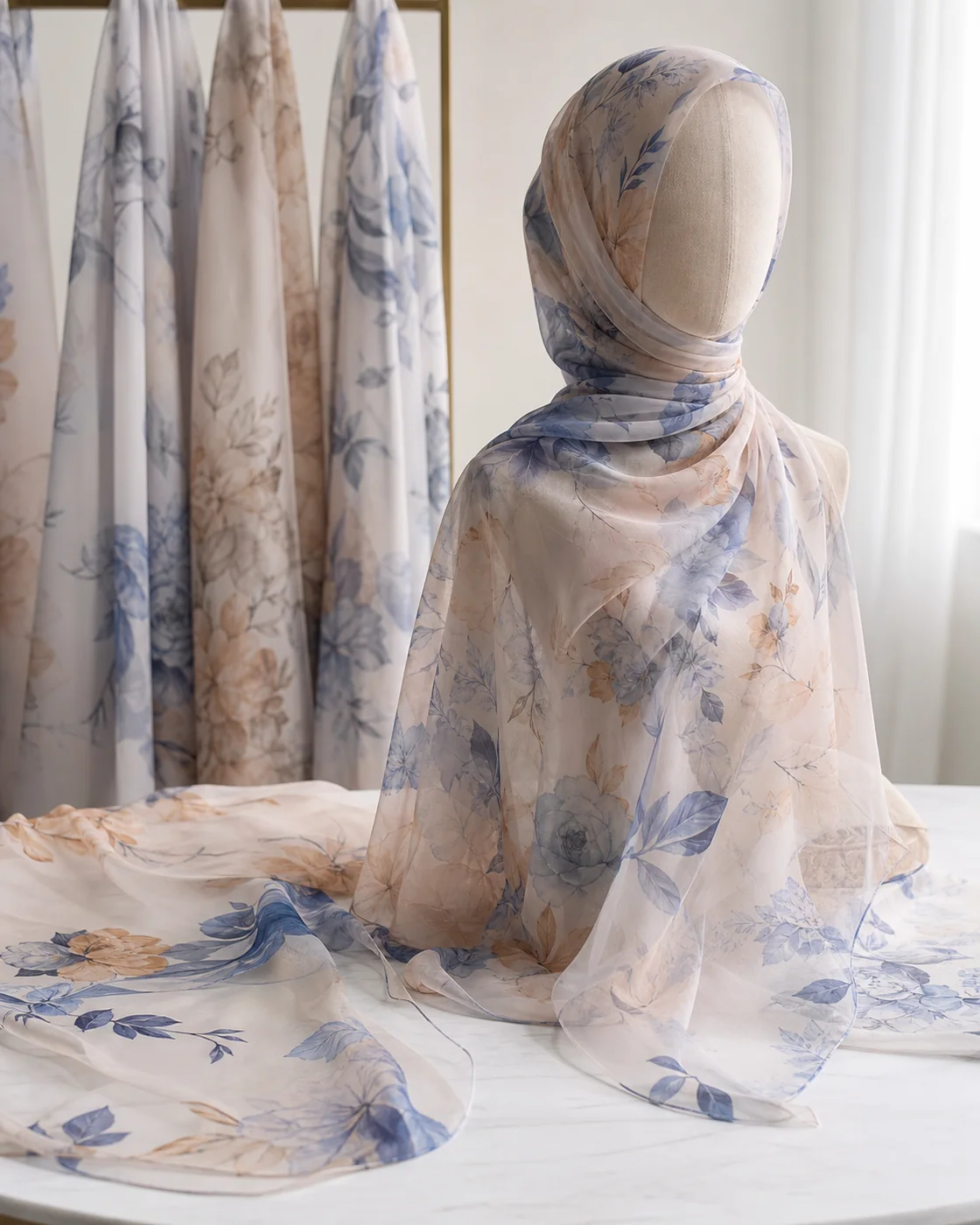
A digital mockup is not the final fabric result. Depending on the printing workflow, a buyer may review a print test, strike-off or finished sample before bulk production; the name and format of that approval stage should be confirmed with the supplier.
Inspect the physical result for:
- pattern scale and visual density;
- repeat alignment and unwanted join lines;
- printed colors under agreed lighting;
- sharpness and fine detail;
- opacity and the effect of the base fabric;
- fabric hand feel after printing and finishing;
- placement and orientation;
- borders, corner transitions, logos and text;
- finished length and width;
- edge finish and stitching;
- consistency with the artwork version and specification.
Record corrections in one controlled document. After changes to color, scale or placement, issue a new version and confirm whether another physical review is needed. Lock the approved file and retain the physical reference.
NoorSilk’s printed-fabric development page places artwork review, sample printing and approval within the broader workflow. Confirm the exact test format and method for each project.
Common Artwork Mistakes in Custom Hijab Production
Most artwork failures come from missing production information rather than poor visual ideas.
- Sending only a low-resolution JPG: the supplier may lack both detail and editable elements.
- Not defining final dimensions: placement and scale cannot be evaluated against the finished product.
- Supplying a repeat that is not seamless: gaps, lines or broken motifs may appear across the fabric.
- Using the wrong pattern scale: a screen preview can conceal oversized or crowded motifs.
- Placing important elements too close to the edge: text or logos may enter the cut or hem area.
- Using screenshots instead of source files: screenshots usually remove editability and image information.
- Providing no color reference: the parties may attach different meanings to the same color name.
- Keeping too many uncontrolled versions: the wrong file can be sampled or printed.
- Approving only a digital mockup: it does not confirm printed color, hand feel or fabric behavior.
- Using artwork without commercial rights: the finished collection may create an avoidable ownership dispute.
Once the design package is complete, use a structured process to choose a hijab manufacturer and compare the same specifications.
Custom Printed Hijab Artwork Checklist
Before sending custom printed hijab artwork for bulk approval:
- Confirm the final hijab length, width and orientation.
- Confirm the printer’s preferred artwork format.
- Check raster resolution at the final physical print size.
- Confirm that an all-over pattern repeats seamlessly.
- Define motif size, tile size, spacing and visual density.
- Identify critical colors and the references used to communicate them.
- Confirm the placement and orientation of each key element.
- Confirm border, bleed, cutting, hem and safe-area requirements.
- Record logo size, location and distance from the finished edge.
- Confirm commercial rights for artwork, images, fonts and other assets.
- Submit a controlled final filename and version number.
- Approve the relevant physical print test, strike-off or finished sample.
- Lock the approved artwork and retain the reference before bulk production.
From Production-Ready Artwork to Manufacturing
This guide answers, “How should I prepare the artwork?” Once the file, specification and approval method are ready, the next step is to confirm the base fabric, printing workflow, sample requirements, product finishing and bulk-order specifications with the manufacturer.
Review NoorSilk’s custom printed hijab manufacturing page for the commercial route. Brands planning a broader private-label collection can also review NoorSilk’s OEM and private-label hijab production capabilities before preparing the final inquiry.
Send the editable artwork, visual proof, dimensions, repeat, placement, critical colors, edge requirements, quantity direction and target market. Request the physical sample and quotation against that controlled brief.
Prepare a production-ready brief
Is your printed hijab artwork ready for review?
Share the editable artwork, dimensions, repeat, scale, critical colors, edge requirements, quantity direction and target market to discuss an appropriate sample or quotation.
Request an artwork review or quoteDiscuss the project on WhatsApp